
Sample · free · Windows · animation
MotionLab
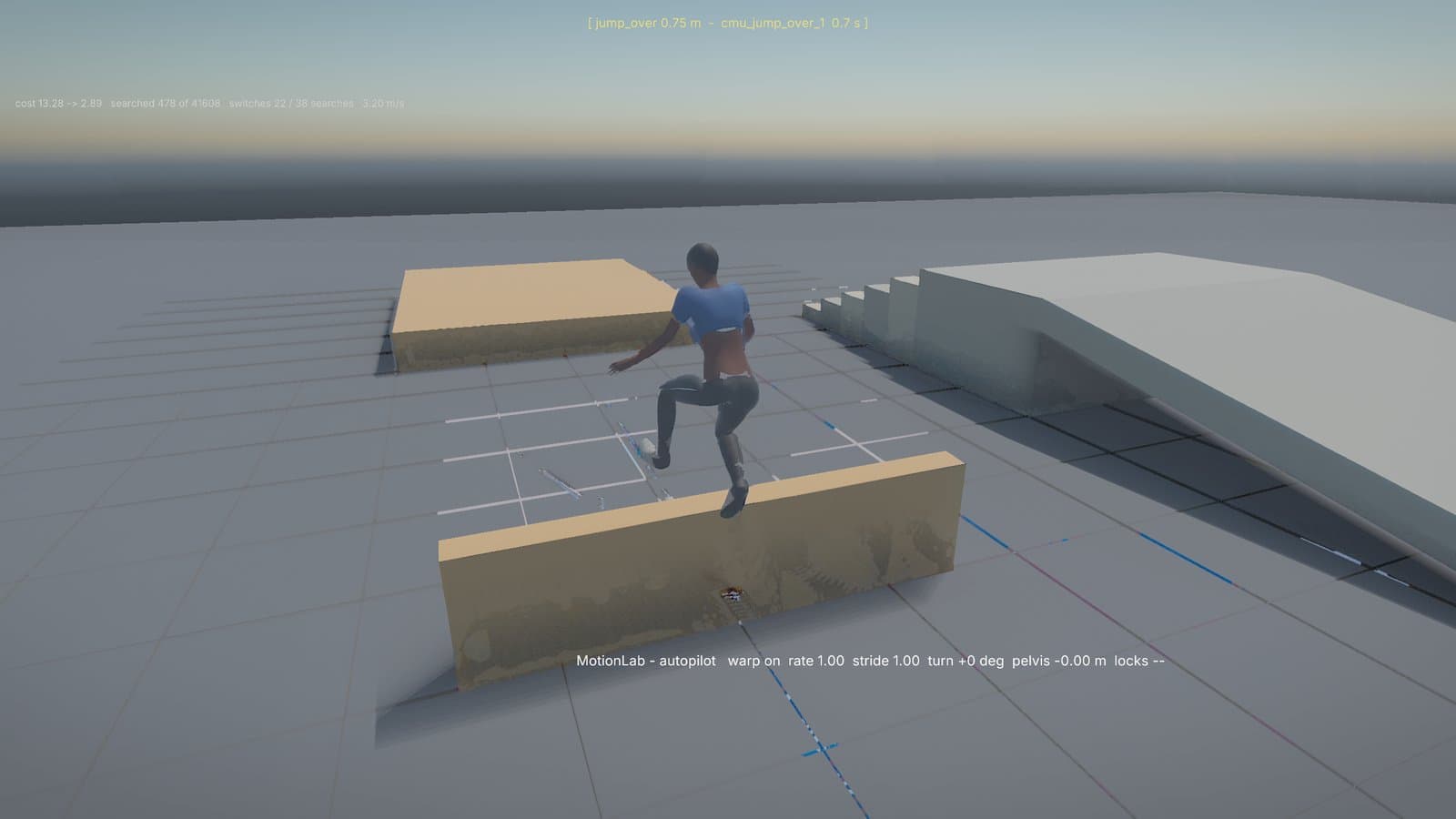
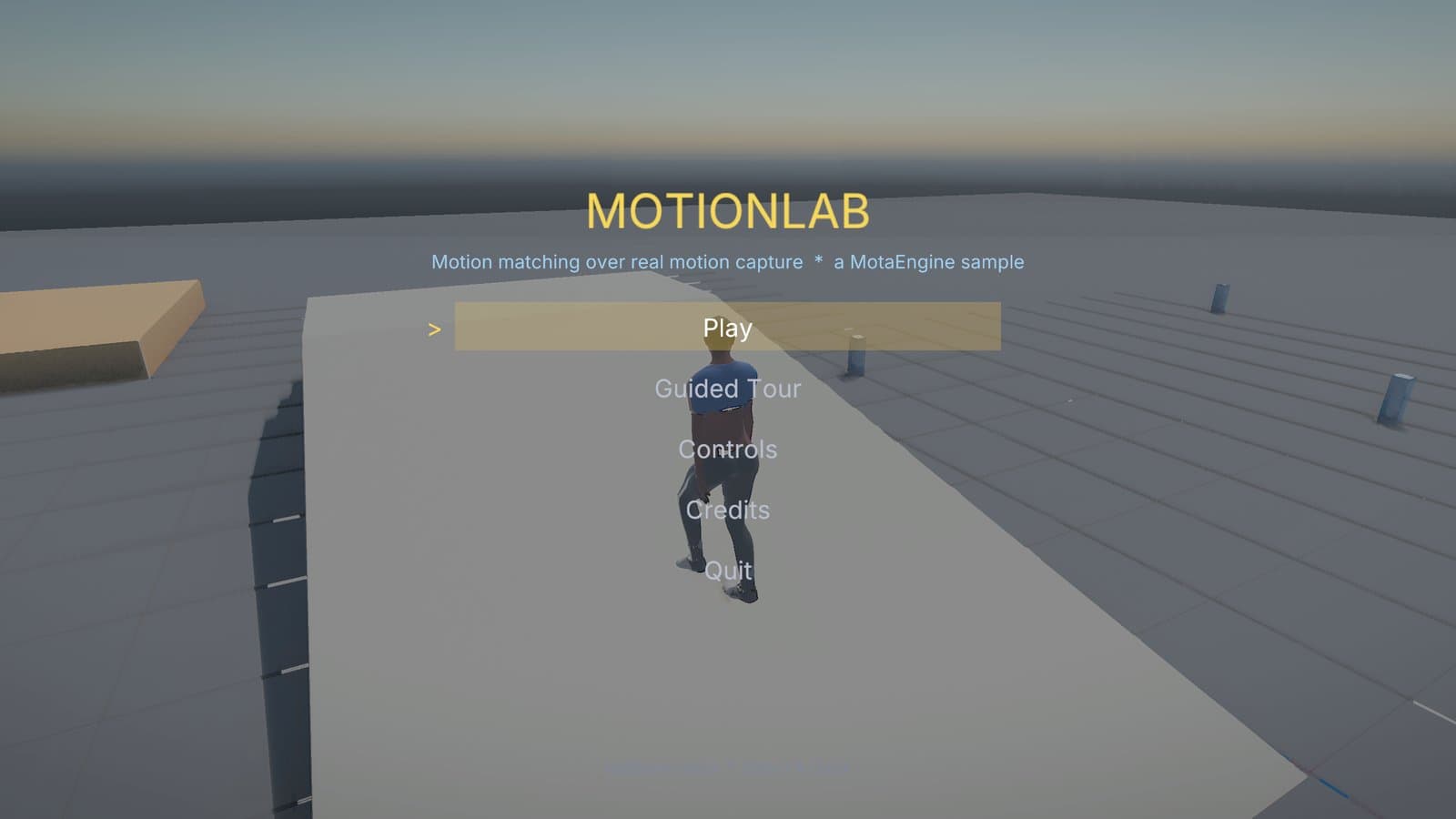
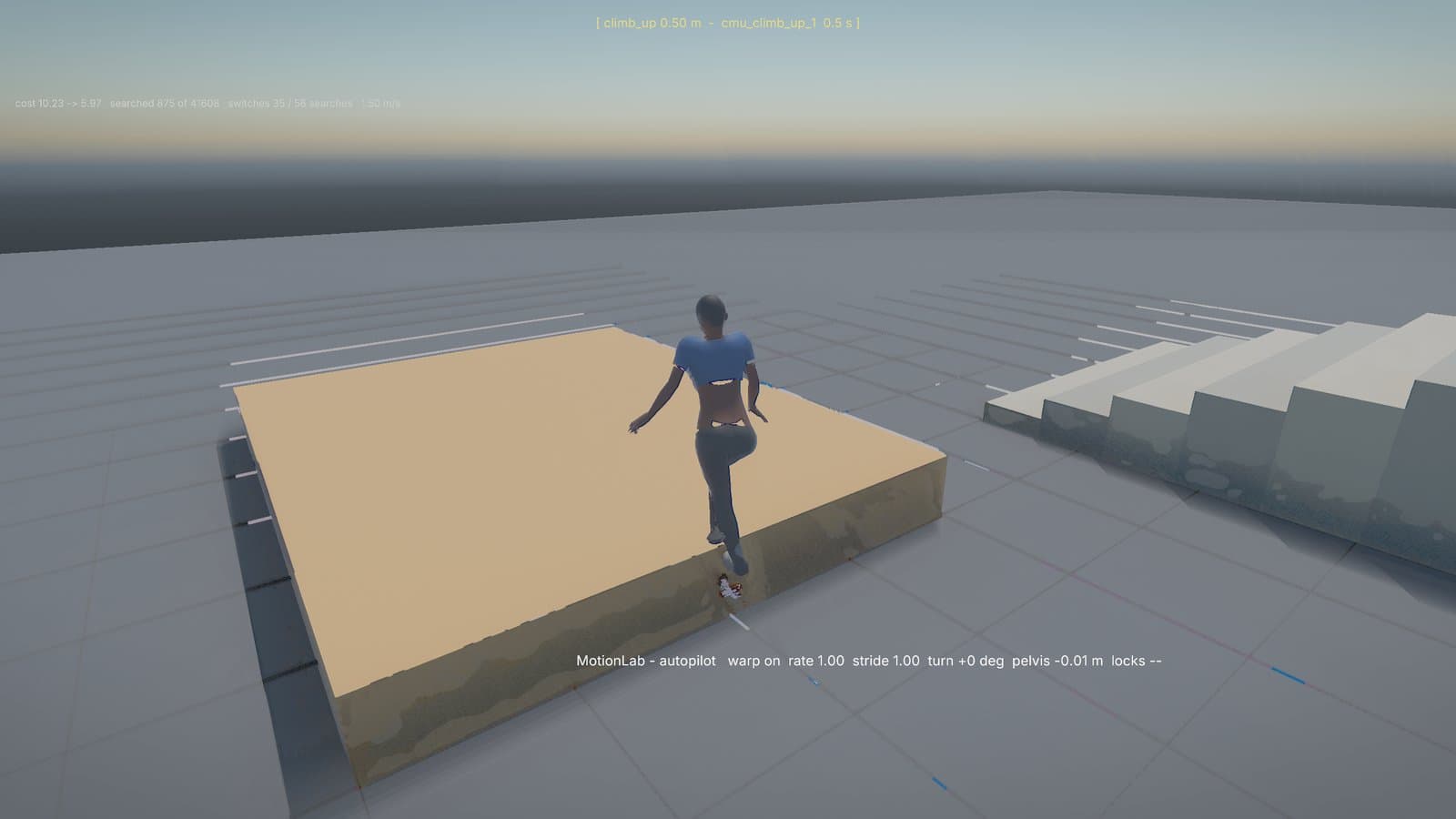
Walk, jog, strafe and turn a character across ramps, stairs and an obstacle lane. Every frame of its motion is real motion capture, picked by motion matching and fitted to the game: feet lock to the ground and follow the slope, and it steps over bars, jumps hurdles, climbs onto platforms and drops off them. A Guided Tour walks the course and explains each part.
How it was made
Animation from motion capture, not keyframes
MotionLab is the engine's animation sample, built without the editor. Everything below is a MotaEngine feature, new in the next engine release.
Motion matching
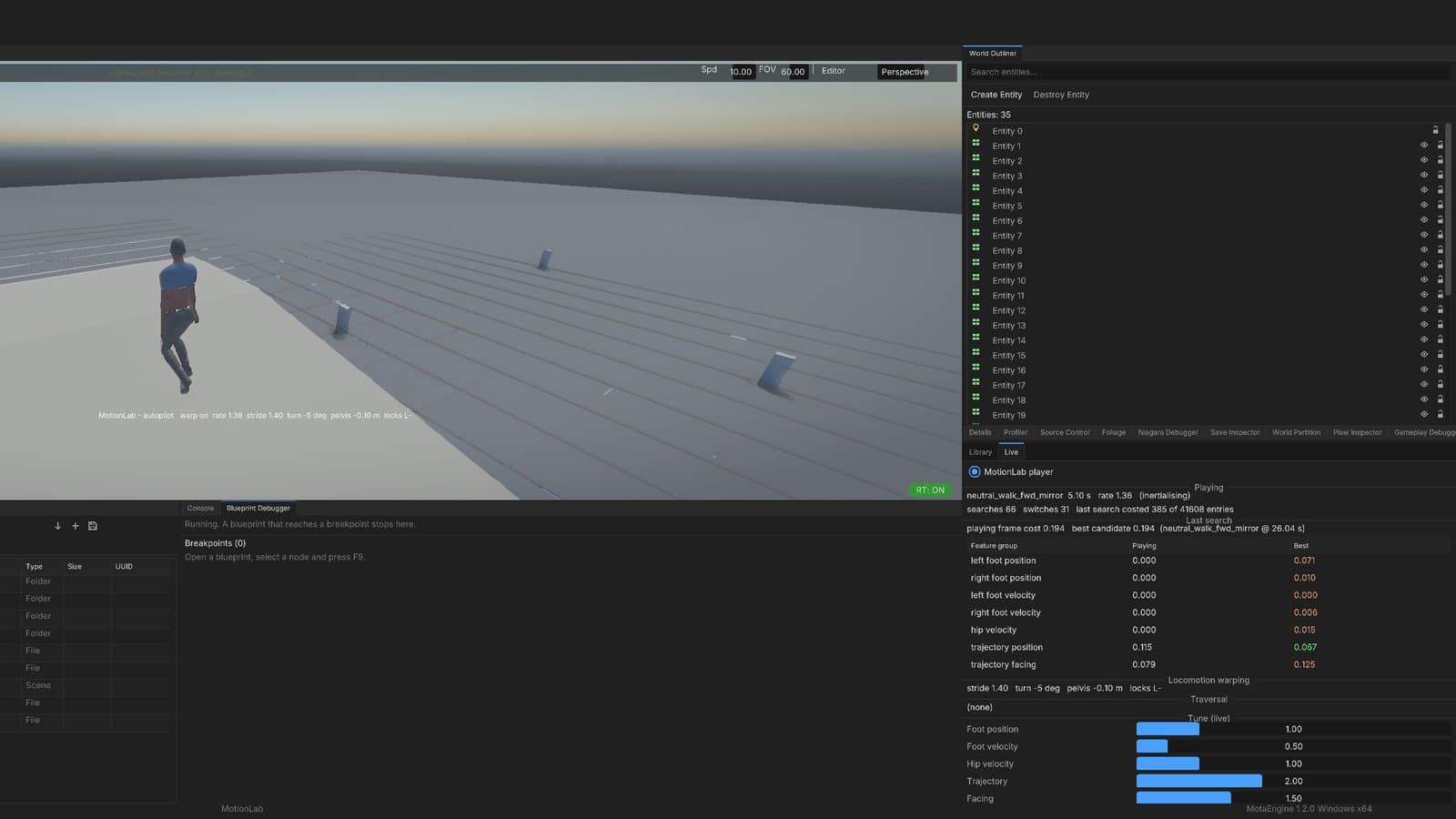
Each frame the matcher searches about 41,000 frames of capture for the one that best continues the pose and fits where the player is steering, then blends to it smoothly.
Locomotion warping
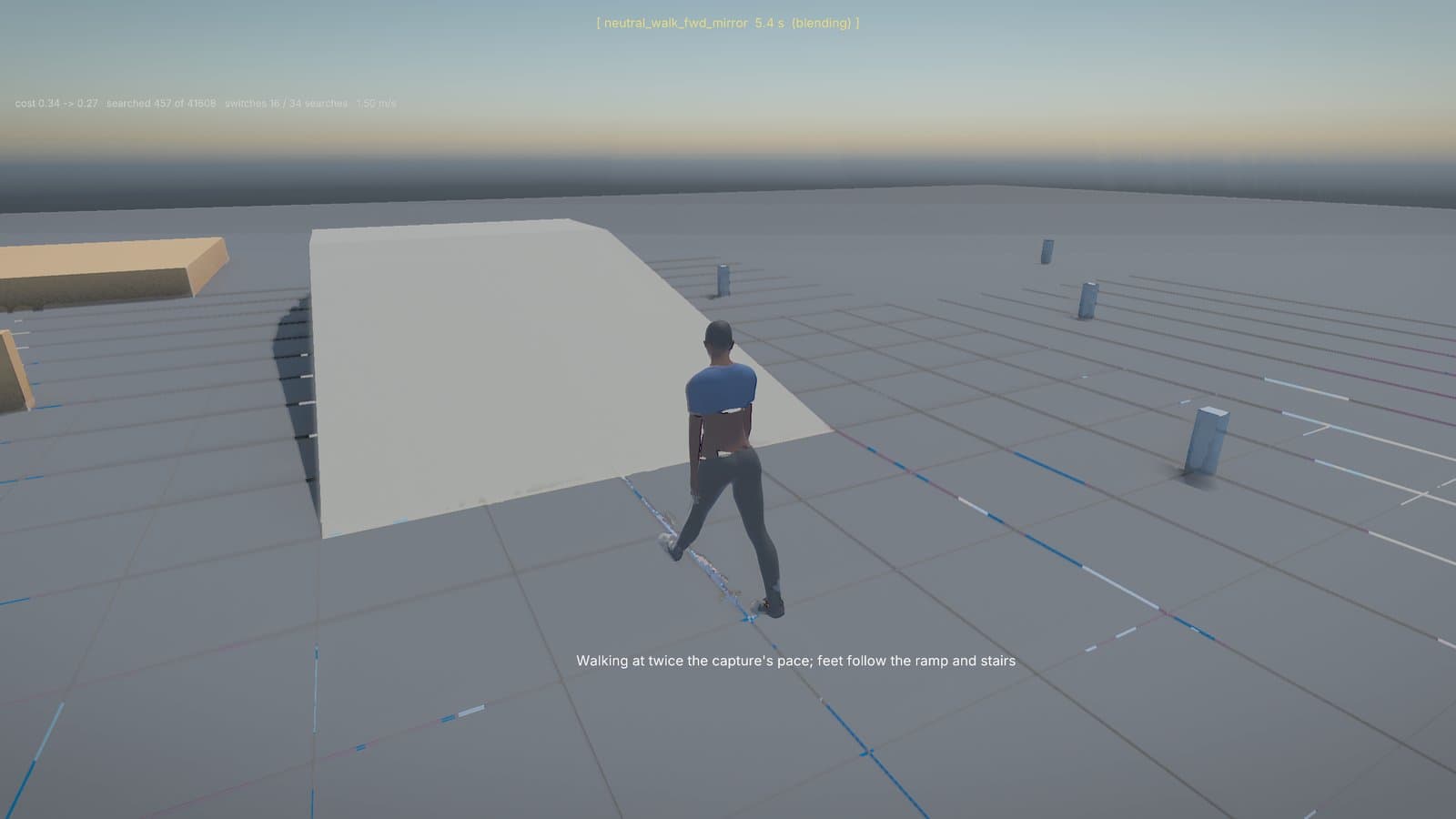
Game speeds are reached by playing the capture faster and lengthening strides; the body turns to the steering direction and the head looks where the camera looks.
Feet on the ground
Feet lock while planted and follow ramps and stairs through ground IK, so they neither slide nor sink.
Traversal
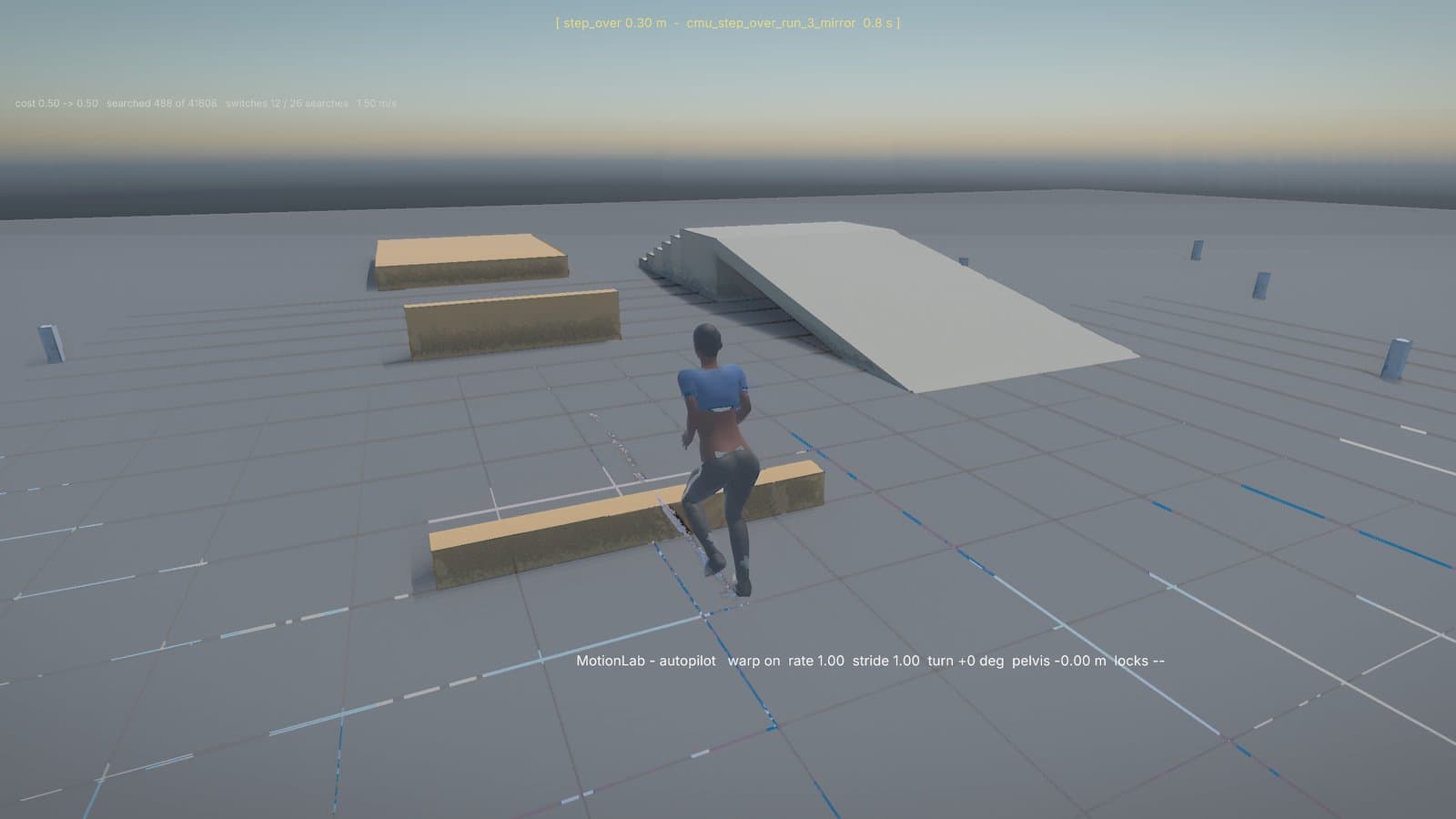
The character spots obstacles ahead and plays a captured step over, jump, climb or drop, warped to land exactly on the obstacle in front of it.
Real motion capture
Locomotion from The 100STYLE Dataset and traversal from the CMU motion-capture database, retargeted to a MakeHuman character by a Blender script.
Editor tools
A motion library asset and the Motion Matching panel: preview every clip, tune the weights and watch the matcher's choices live while the game runs.
The complete project ships in the engine source as projects/MotionLab, from the next engine release, with the motion-capture pipeline in tools/mocap. See the docs for the APIs it uses.
Controls
| Keyboard and mouse | |
|---|---|
| Move (relative to the camera) | WASD |
| Jog | Shift |
| Strafe (keep facing where the camera looks) | Hold right mouse button |
| Orbit the camera | Mouse (click to capture it) |
| Debug lines | F1 |
| Locomotion warping on / off | F2 |
| Pause | Esc |
| Menus | Arrows, Enter, Esc or the mouse |
Run it
- 1. Run the installer. It installs for your account only, with no administrator prompt, and adds a Start menu shortcut. Remove it any time from Settings, Apps.
- 2. Or take the portable zip: extract it anywhere and double-click MotionLab.exe.
- 3. The game and installer are signed by Motaware LLC. While the download is new, Windows SmartScreen may still ask: choose More info, then Run anyway.
- 4. Choose Guided Tour on the title screen for a walk through the course, or Play and head west of the start to reach the obstacle lane.
- System
- Windows 10 or 11, 64-bit
- Graphics
- A Vulkan 1.3 GPU with current drivers
- Price
- Free