
Sample game · free · Windows
Ember Run
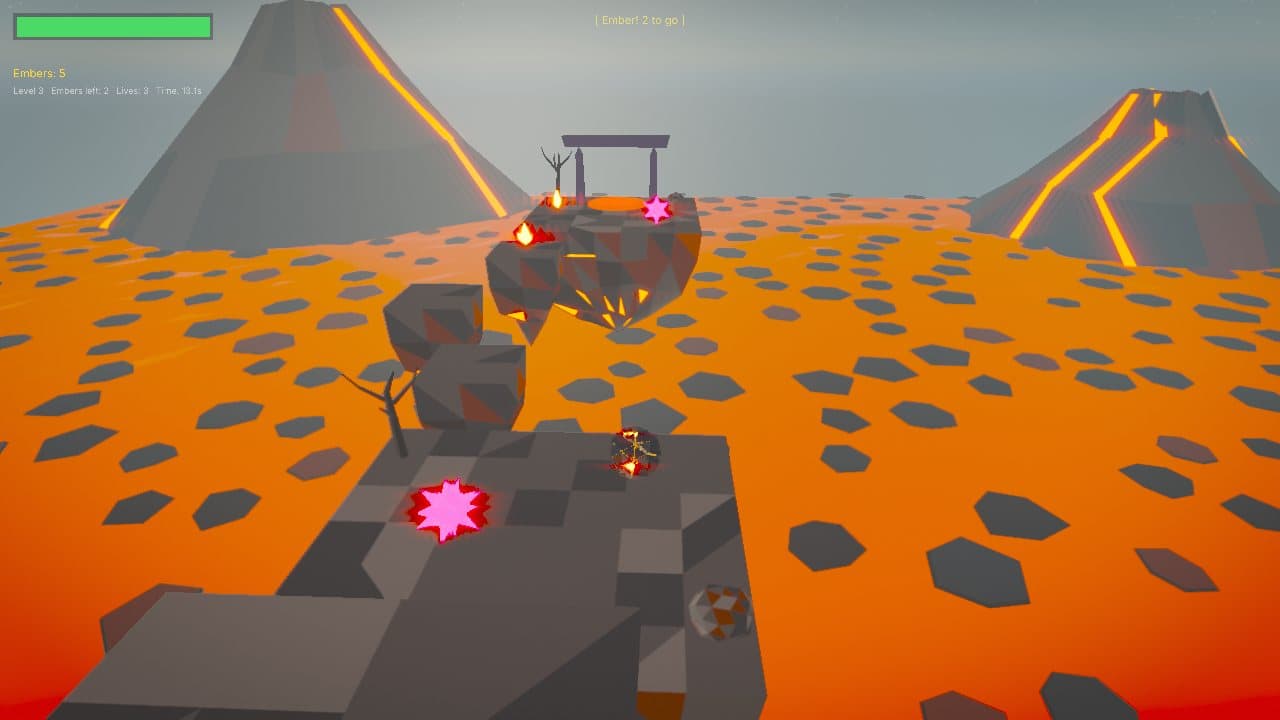
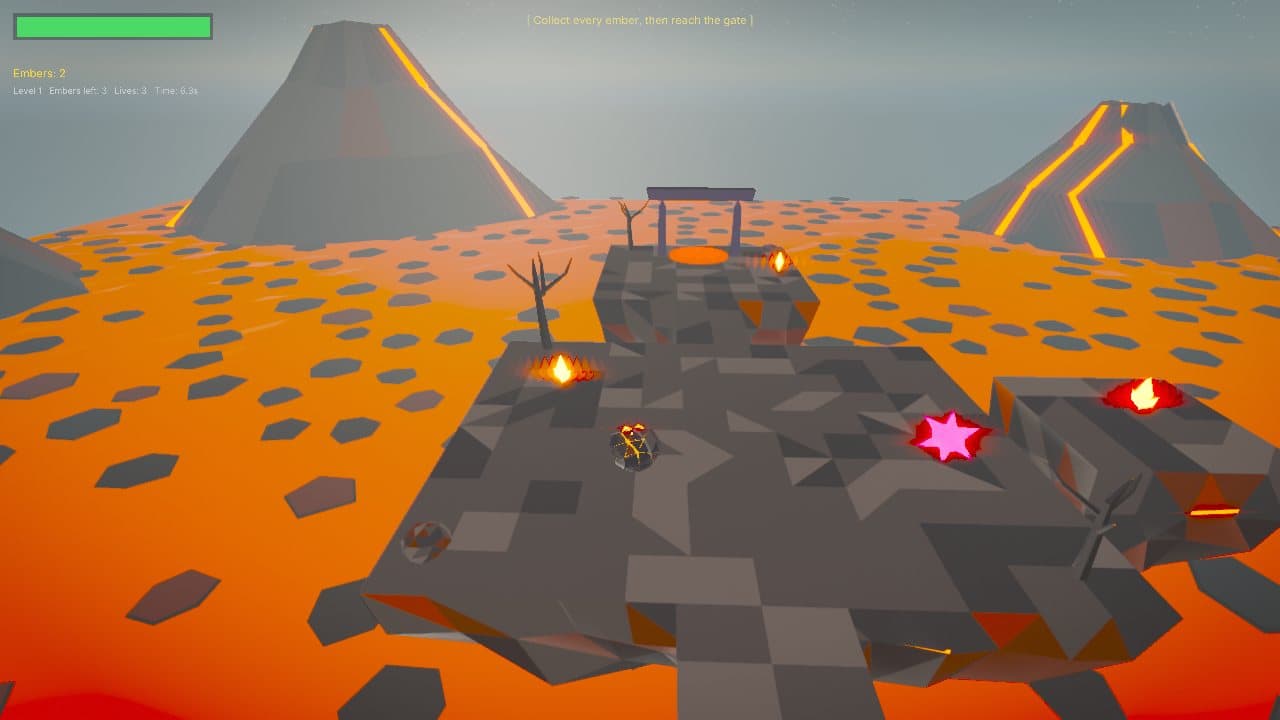
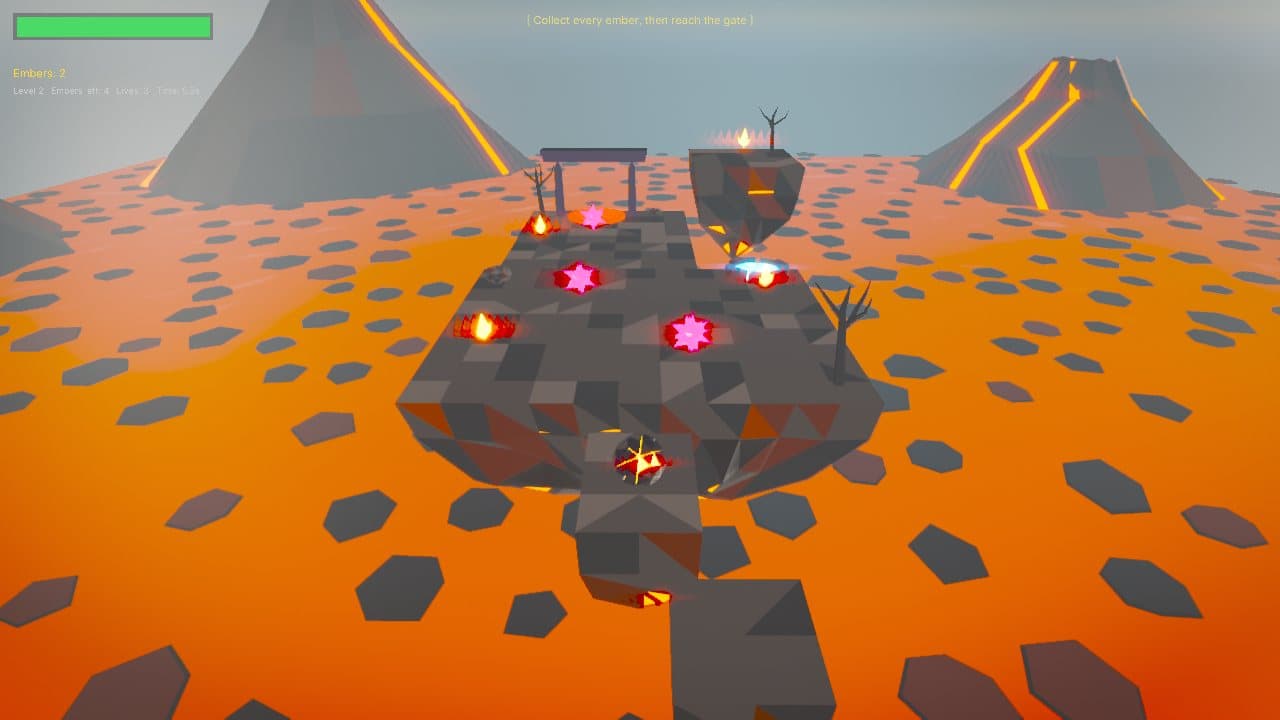
Roll a glowing marble across islands floating over a lava sea. Collect every ember to unseal the gate, dodge the sweeping mines and reach the exit. Three levels, three lives each, best times saved.
How it was made
A whole game without a line of C++
Ember Run is the engine's script-only sample. Everything below is a stock MotaEngine feature.
No C++ game code
Ember Run is a script-only project: levels are scenes built in the MotaEngine editor, gameplay and every menu are Lua.
Menus from Lua
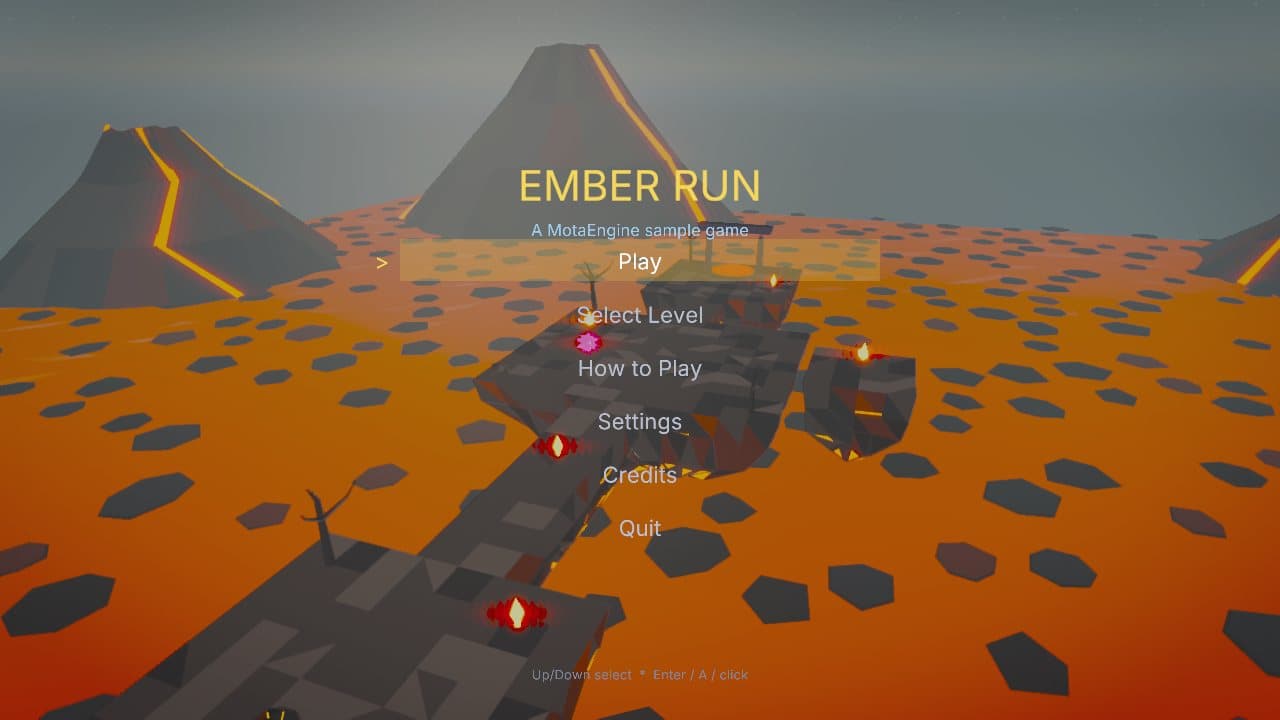
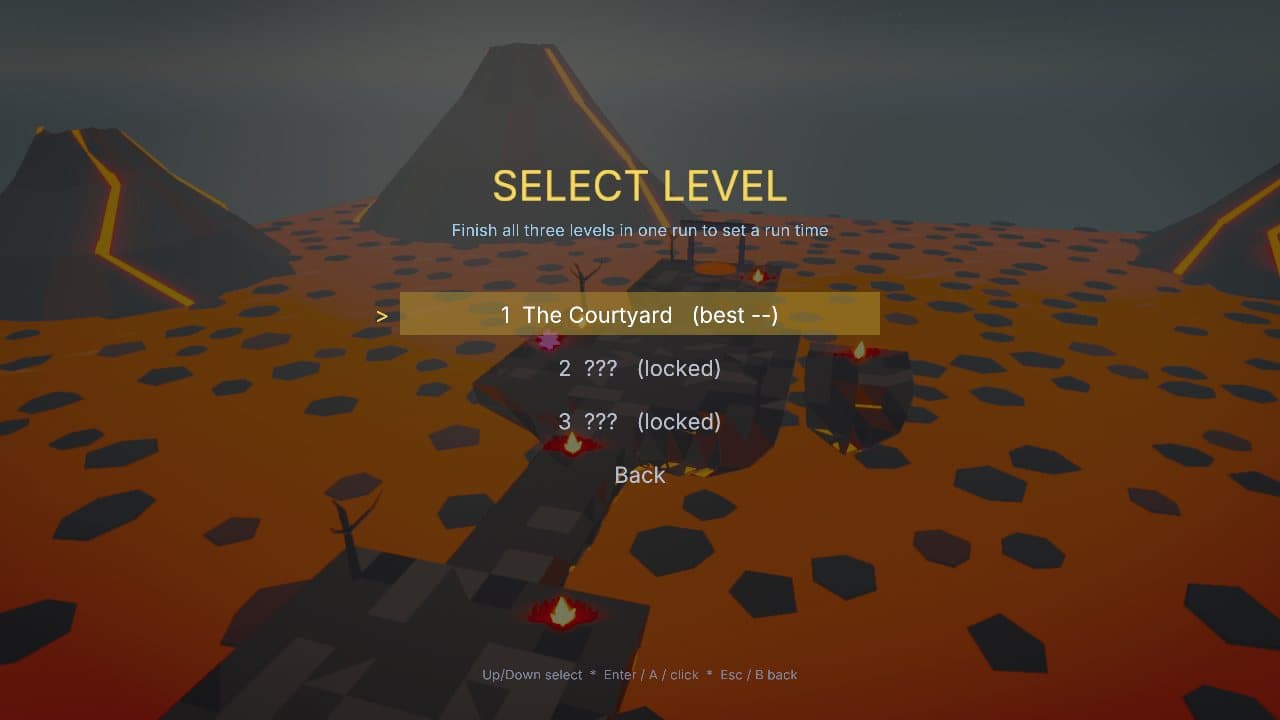
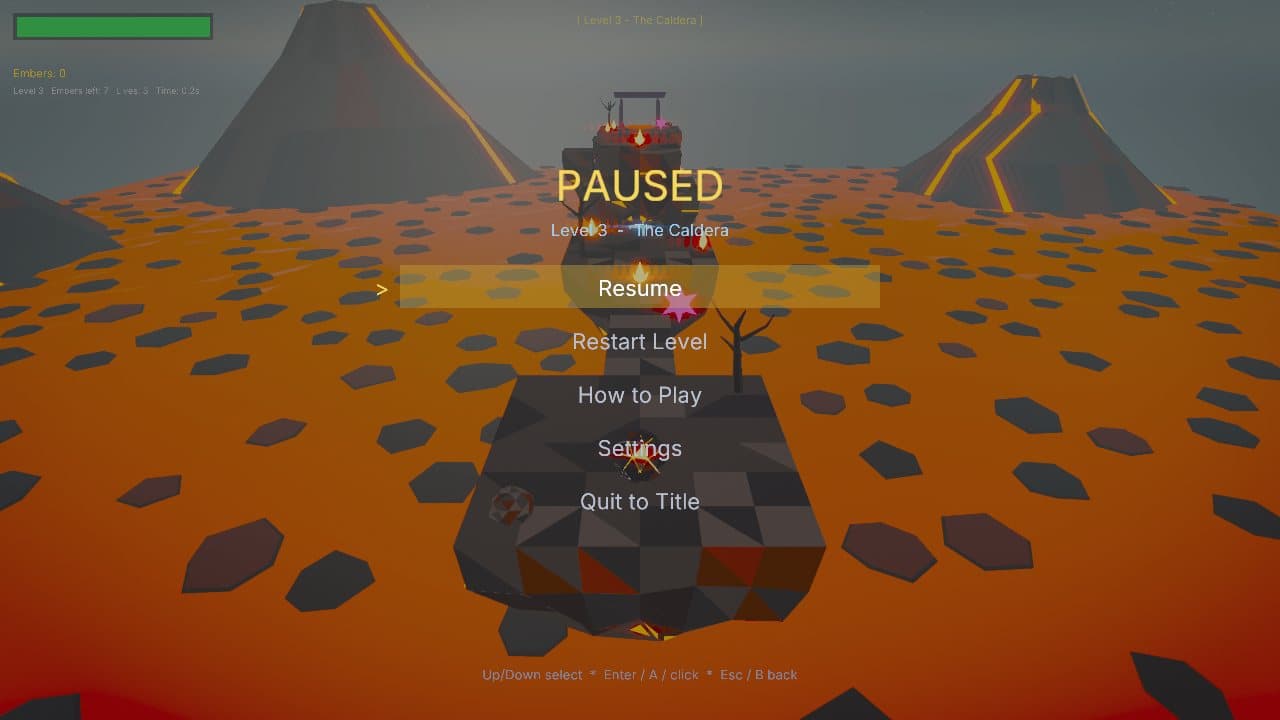
Title, level select, settings, pause and results screens are built with mota.defineMenu, saved with mota.saveNumber.
Generated art
Every model is built by a Python script in Blender, so the art can be changed and rebuilt rather than hand-edited.
Synthesized audio
The music loop and sound effects are generated from oscillators and noise, with no samples.
Jolt physics
The marble is a dynamic rigid body; mines, embers and the gate are trigger volumes.
Packaged with the engine
One command produced the download: the game exe, its DLLs and a signed, compressed asset pak.
The complete project ships in the engine source as projects/EmberRun from the next release, with its scenes, Lua scripts and the scripts that generate its art and audio. See the docs for the APIs it uses.
Controls
| Keyboard and mouse | Gamepad | |
|---|---|---|
| Roll | WASD or arrow keys | Left stick |
| Jump | Space | A |
| Pause | Esc | Start |
| Menus | Arrows, Enter, Esc or the mouse | D-pad or stick, A, B |
Run it
- 1. Run the installer. It installs for your account only, with no administrator prompt, and adds a Start menu shortcut. Remove it any time from Settings, Apps.
- 2. Or take the portable zip: extract it anywhere and double-click EmberRun.exe.
- 3. The game and installer are signed by Motaware LLC. While the download is new, Windows SmartScreen may still ask: choose More info, then Run anyway.
- System
- Windows 10 or 11, 64-bit
- Graphics
- A Vulkan 1.3 GPU with current drivers
- Price
- Free