
Sample game · free · Windows · online
Beacon Hold
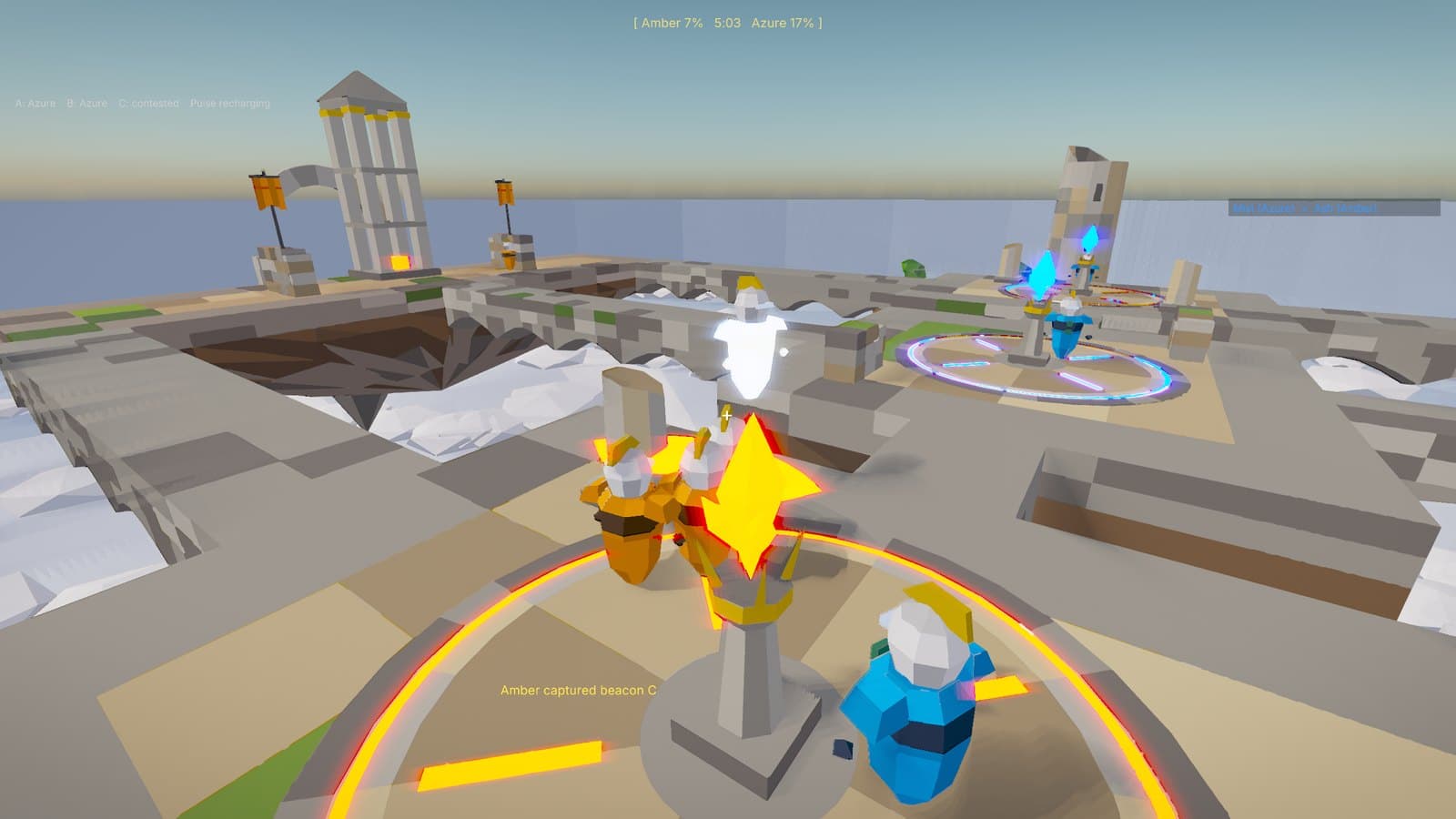
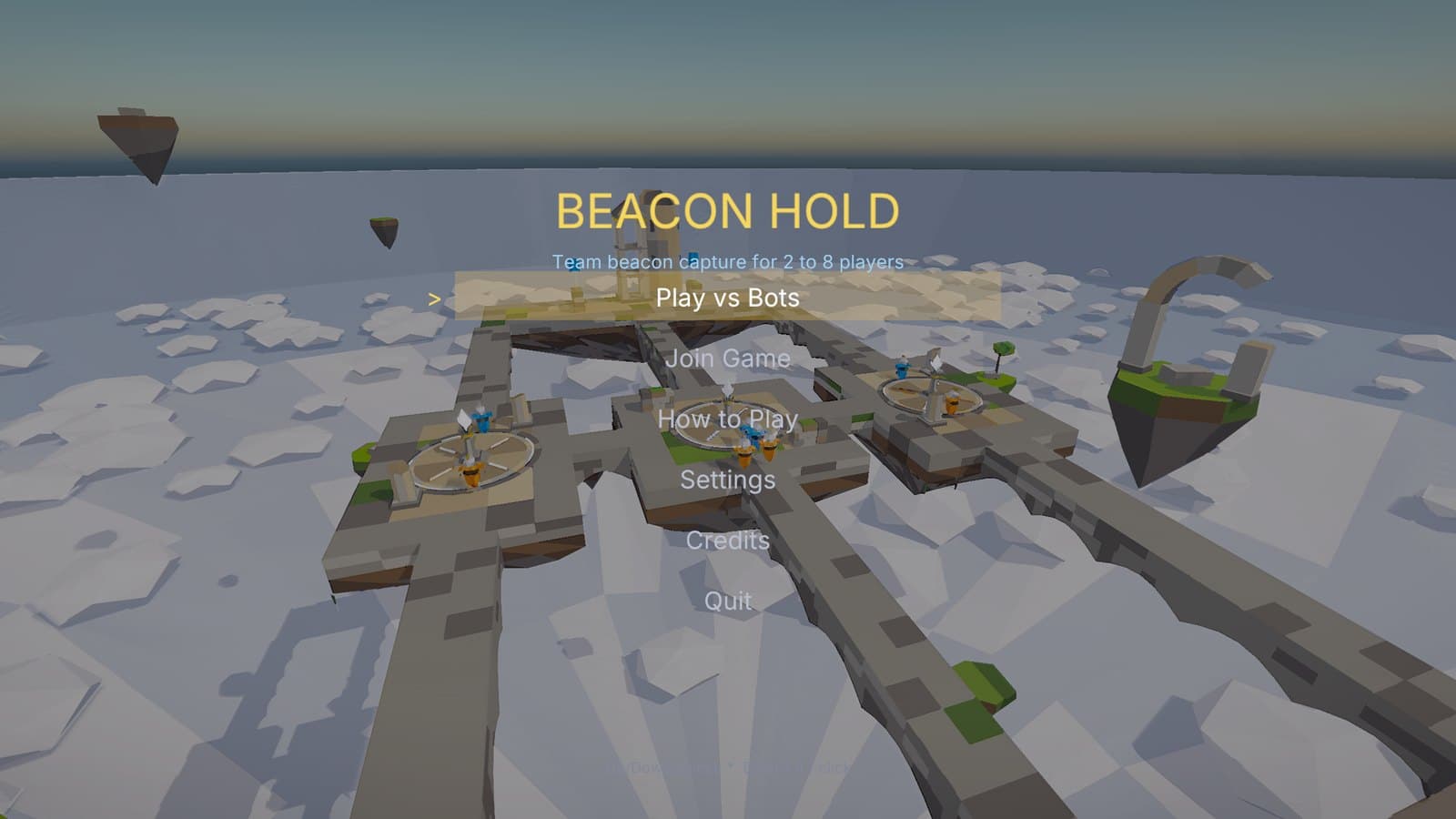
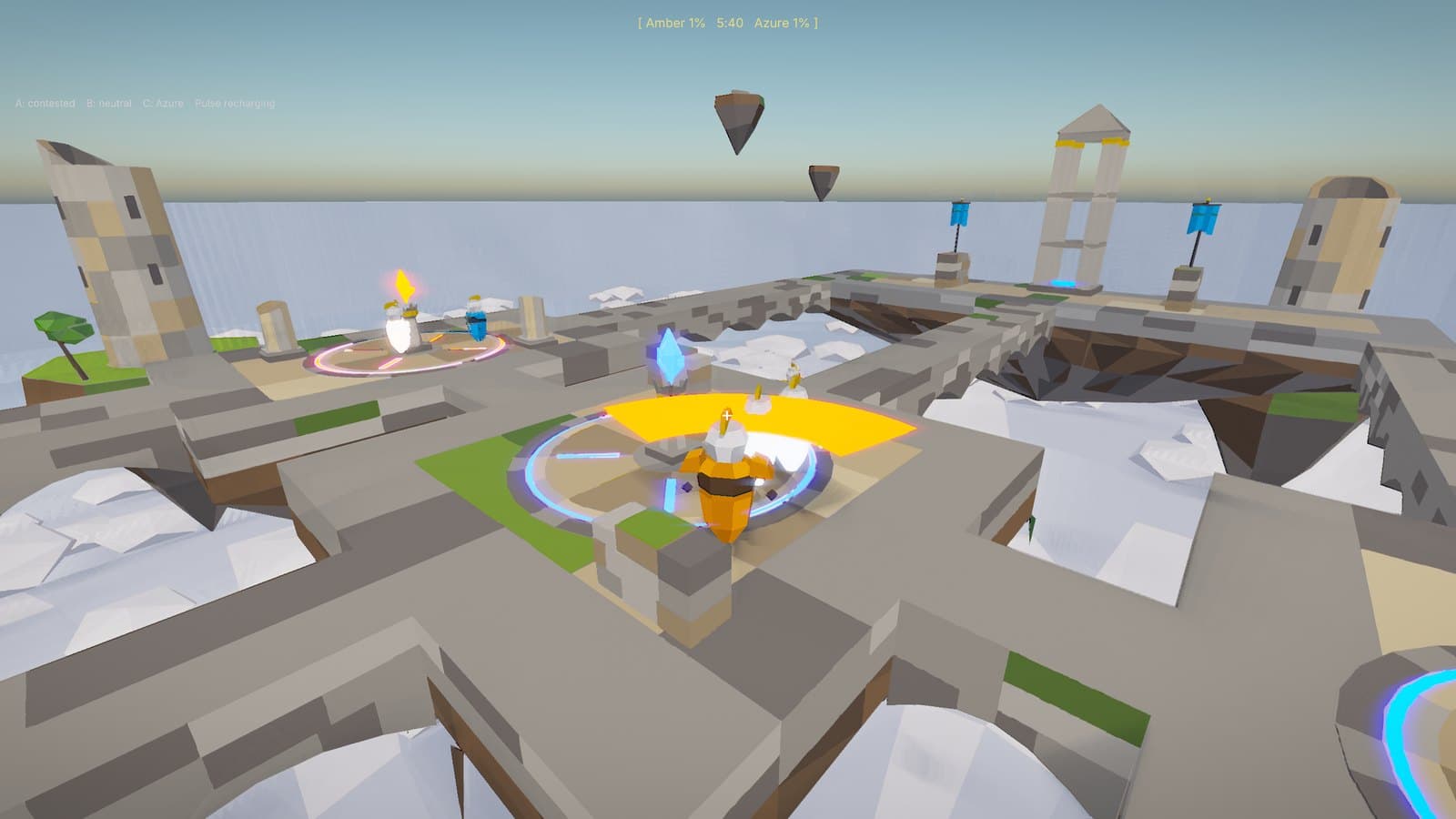
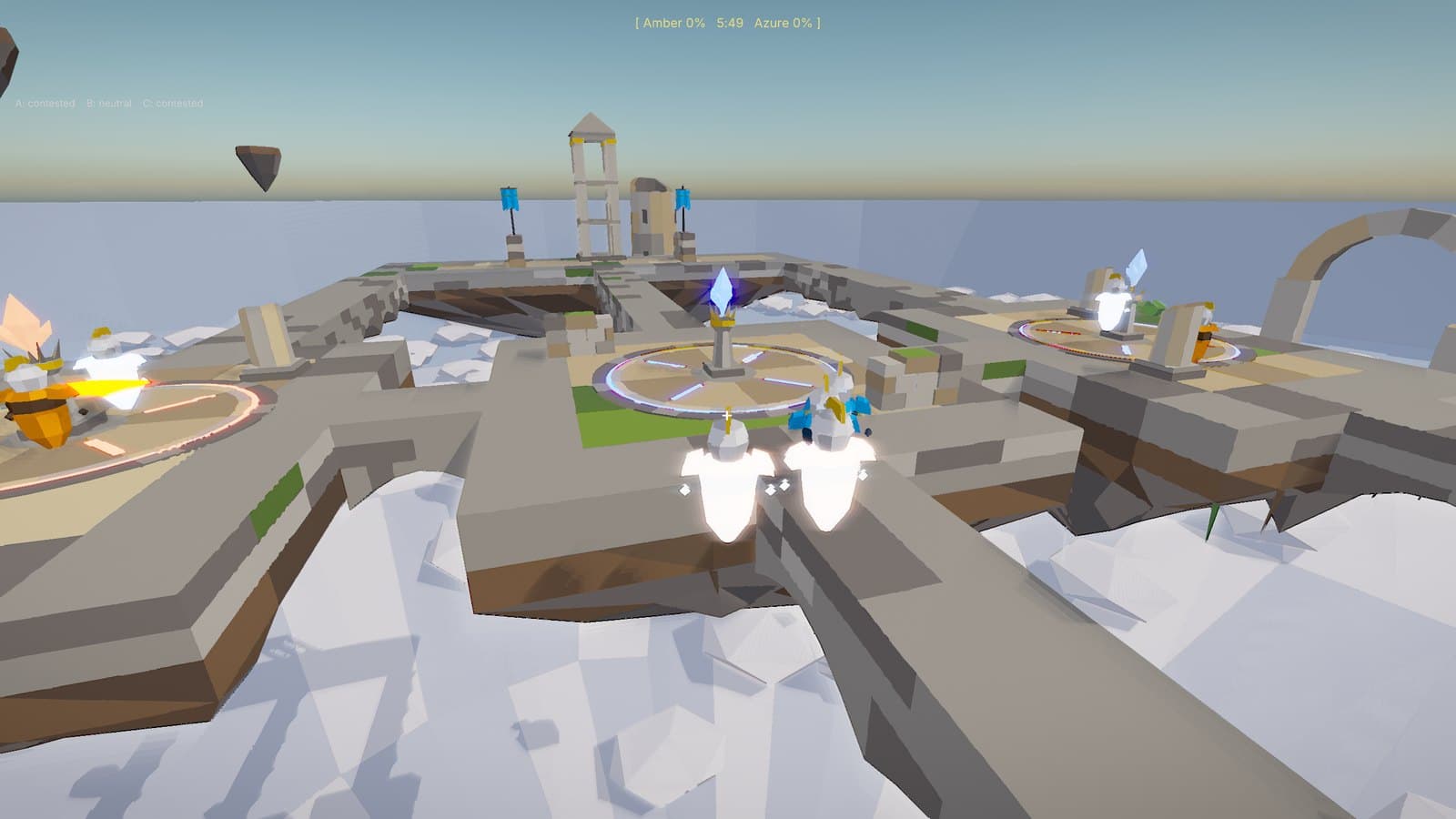
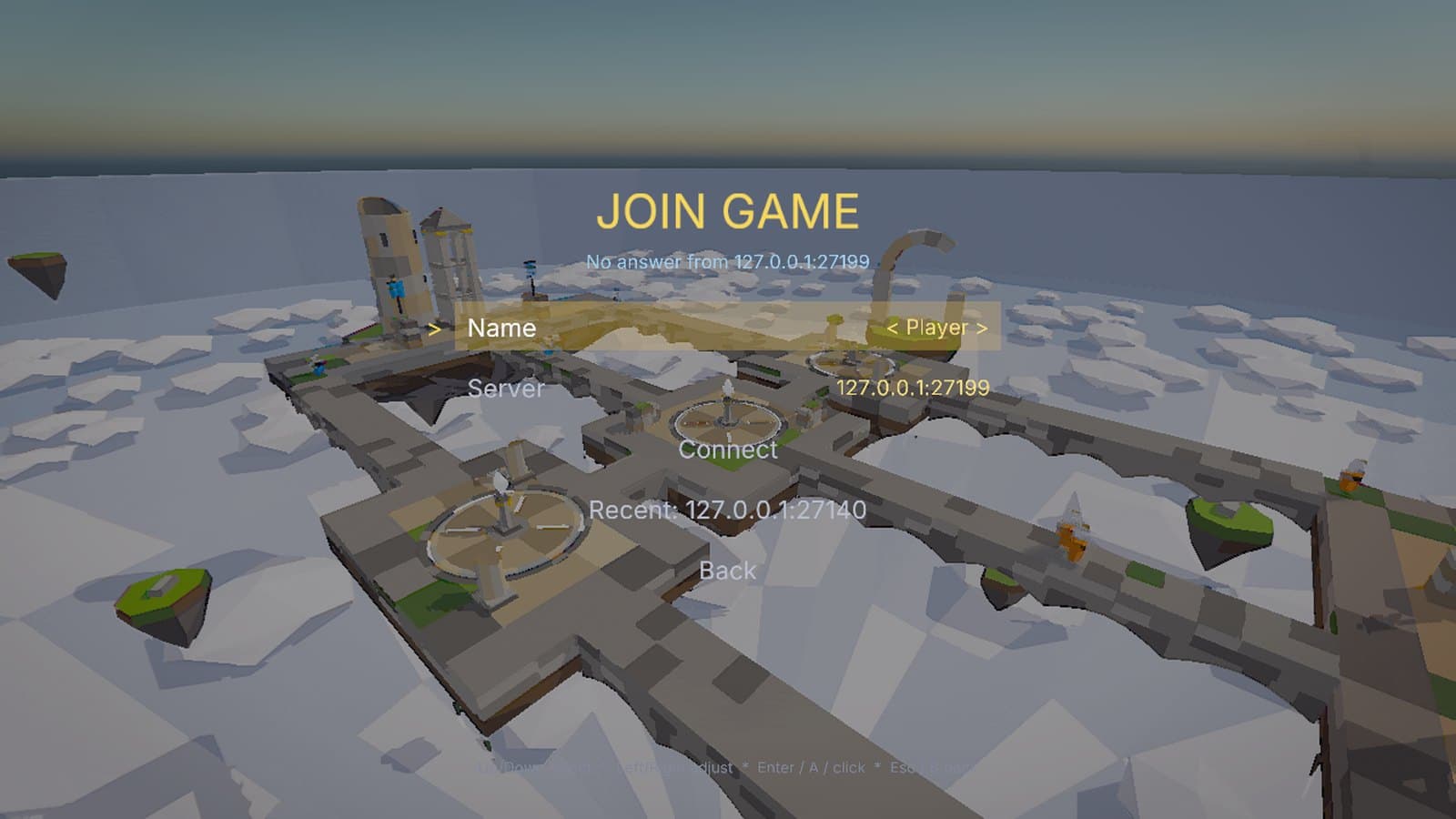
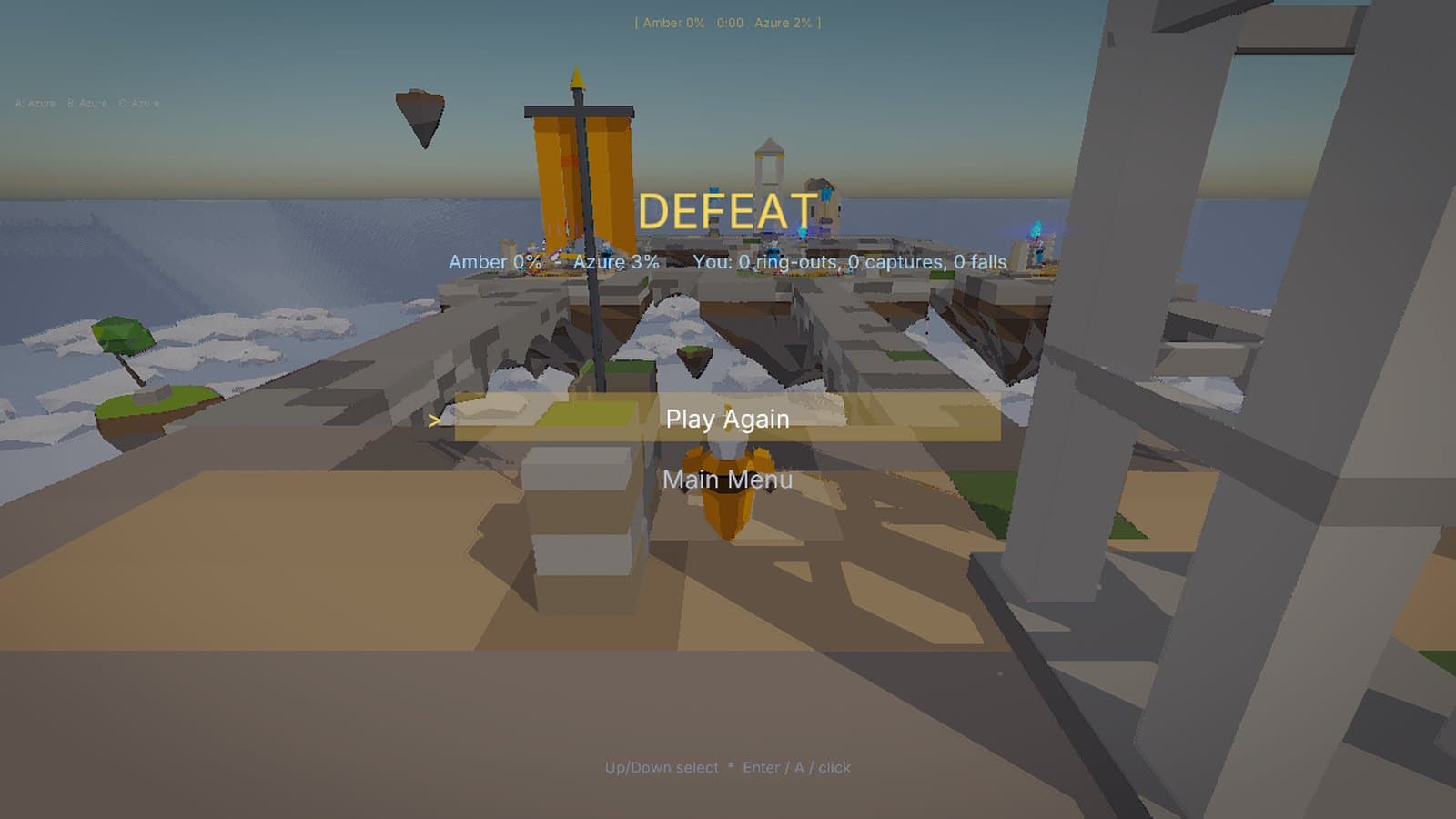
Two teams fight over three beacons on ruins floating above the clouds. Hold beacons to charge your spire; knock rivals off the edge with a pulse. Play against bots, or online on Motaware's public server with up to eight players and bots in the empty seats.
How it was made
An online game on the C++ SDK
Beacon Hold is the engine's C++ and multiplayer sample, built without the editor. Everything below is a stock MotaEngine feature.
C++ against the SDK
The game is a C++ module built with the mota command-line tool against the MotaEngine SDK; its arena is a JSON data file.
Dedicated server
The same executable runs headless as the authoritative server, with client prediction, interpolation and lag-compensated hits.
Bots in every empty seat
Bots pick a beacon to take or defend, follow a waypoint graph and fight back. A player who joins takes a bot's seat.
Server in a container
The project builds a Linux server and a Docker image with a health check, from the engine source or the Linux SDK.
Generated art
Blender scripts build a model for every platform in the arena data, matched to its collider, plus the units, beacons and scenery.
Synthesized audio
The music, wind and every sound effect are generated from oscillators and noise, with no samples.
The complete project ships in the engine source as projects/BeaconHold from the next release, with its Linux server build, Docker files and the scripts that generate its art and audio. See the docs for the APIs it uses.
Controls
| Keyboard and mouse | Gamepad | |
|---|---|---|
| Move | WASD | - |
| Look | Mouse | - |
| Jump, double jump | Space | - |
| Dash | Left Shift | - |
| Pulse | Left mouse button | - |
| Roster | Hold Tab | - |
| Pause | Esc | - |
| Menus | Arrows, Enter, Esc or the mouse | D-pad or stick, A, B |
Run it
- 1. Run the installer. It installs for your account only, with no administrator prompt, and adds a Start menu shortcut. Remove it any time from Settings, Apps.
- 2. Or take the portable zip: extract it anywhere and double-click BeaconHold.exe.
- 3. The game and installer are signed by Motaware LLC. While the download is new, Windows SmartScreen may still ask: choose More info, then Run anyway.
- 4. Play Online joins Motaware's public server. To host your own, run BeaconHold.exe --server (UDP port 27015) or the Docker image from the engine source, and give players the address to type into Join Game.
- System
- Windows 10 or 11, 64-bit
- Graphics
- A Vulkan 1.3 GPU with current drivers
- Price
- Free